

User roles
Each team member has banking permissions that control what they can do with money, and an optional practice permission that grants access to billing and clinical workflow features. More granular controls, like requiring approval on specific transactions, can be configured using approval rules.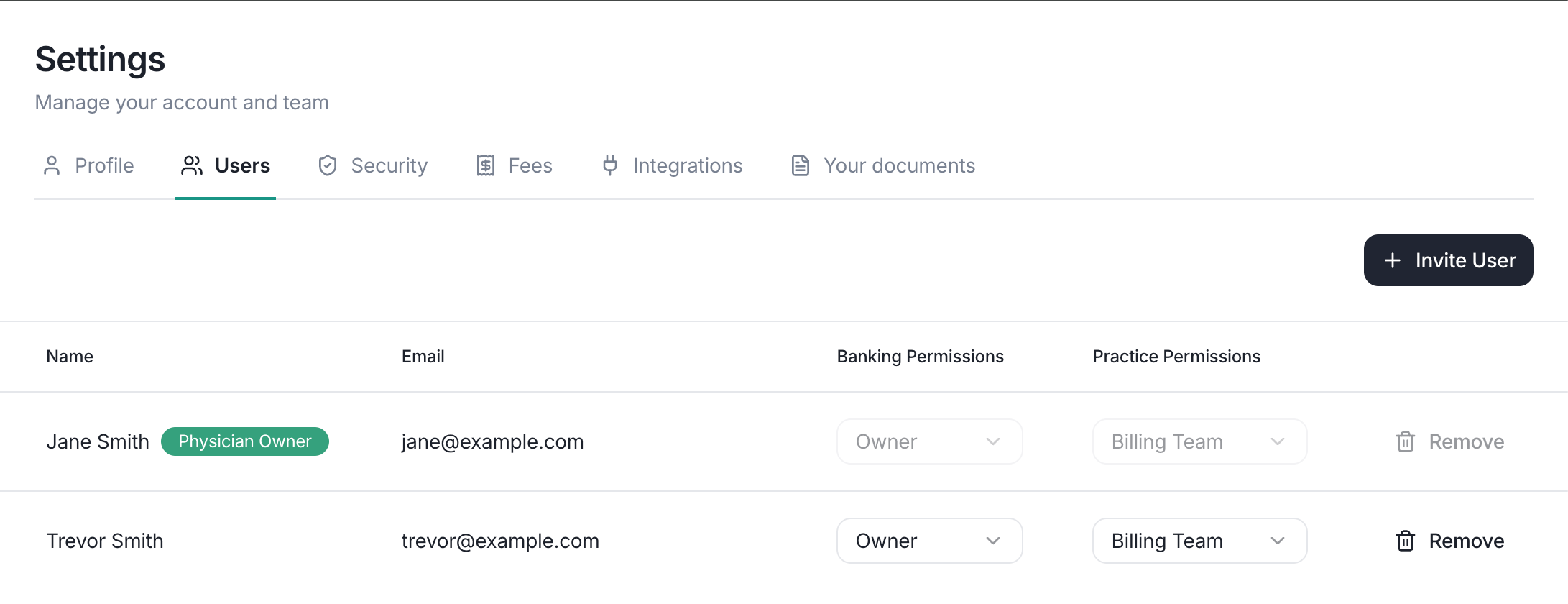
The users page lists the roles for everyone on your team.
Banking permissions
Every member has one of these banking roles:Practice permissions
In addition to their banking role, a member can have the Billing Team practice permission enabled or disabled. When enabled, the member can:- Read all Lockbox mail and edit notes
- See health data imported from your EHR
- Approve EOBs and ERAs
- Upload EOBs directly
Inviting a team member
An owner can invite new team members with the following steps.- Select Invite user from your settings page.
- Enter the person’s email address
- They’ll receive an email with a link to join your organization