

Viewing account details
Select an account to see:- Account number and routing number for receiving payments
- Current balance — the amount available for transactions
- Held balance — funds that are pending (e.g., outbound transfers that haven’t settled)
For security, account and routing numbers are hidden by default. Click the redacted value to reveal it. This reduces incidental exposure during screen shares.
Downloading account documents
From the account’s detail view, the Account Information card lets you download:- Settlement Instructions — your account and routing numbers, beneficiary name and address, and the receiving bank’s details. Hand this to a payer or billing company that needs to send a wire or ACH credit to the account.
- Void Check — a voided check PDF. Useful when a payer or payroll provider requires one to set up ACH deposits.
- Account Verification Letter — an official letter issued by our banking partner, confirming account ownership. Useful for credentialing or payer enrollment.
- Bank Statements — monthly statements for your bank account.
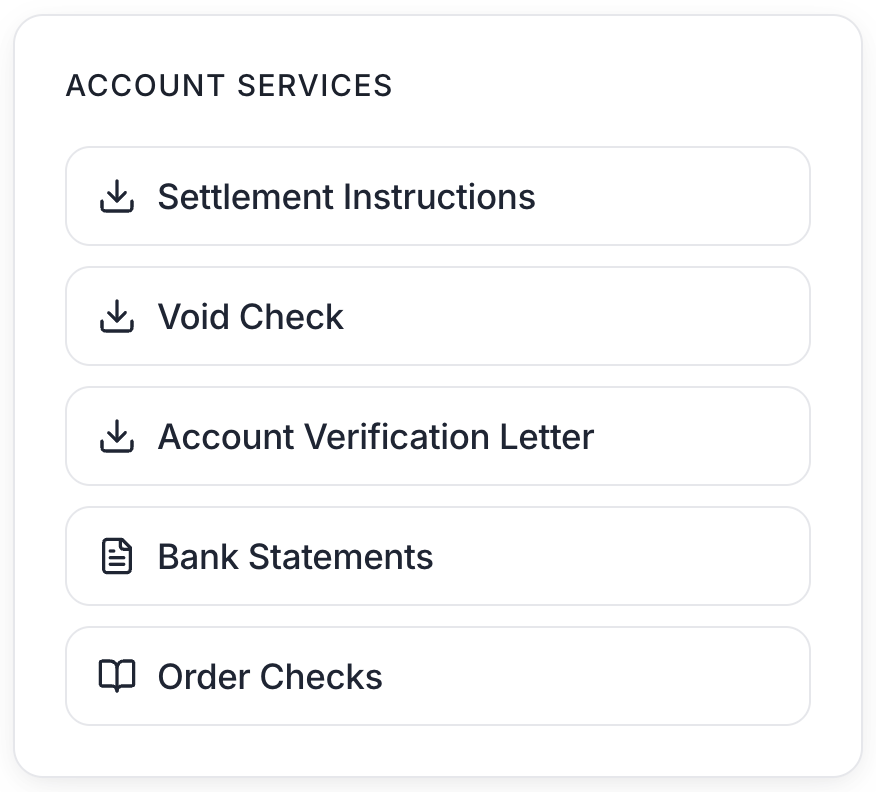
The Account Information card on an account's detail page.
Multiple accounts
Your organization can have multiple bank accounts. This is useful for separating funds by purpose, such as keeping operating expenses separate from patient collections.Renaming an account
Owners can rename a bank account by clicking the pencil icon beside the account name in the detail view. Account names must be unique within your provider.Cards
Every account comes with free debit cards, including virtual cards, physical cards, and custom spending limits. See the Cards guide for details.Balance History
The Balance History chart shows how your account balance has changed over time. Choose a lookback period to filter the chart:- 1 month — the last 30 days
- 3 months — the last 90 days
- 1 year — the last 365 days
- Month-to-date — from the 1st of the current month through today
- Quarter-to-date — from the 1st of the current quarter through today
- Year-to-date — from January 1st of the current year through today
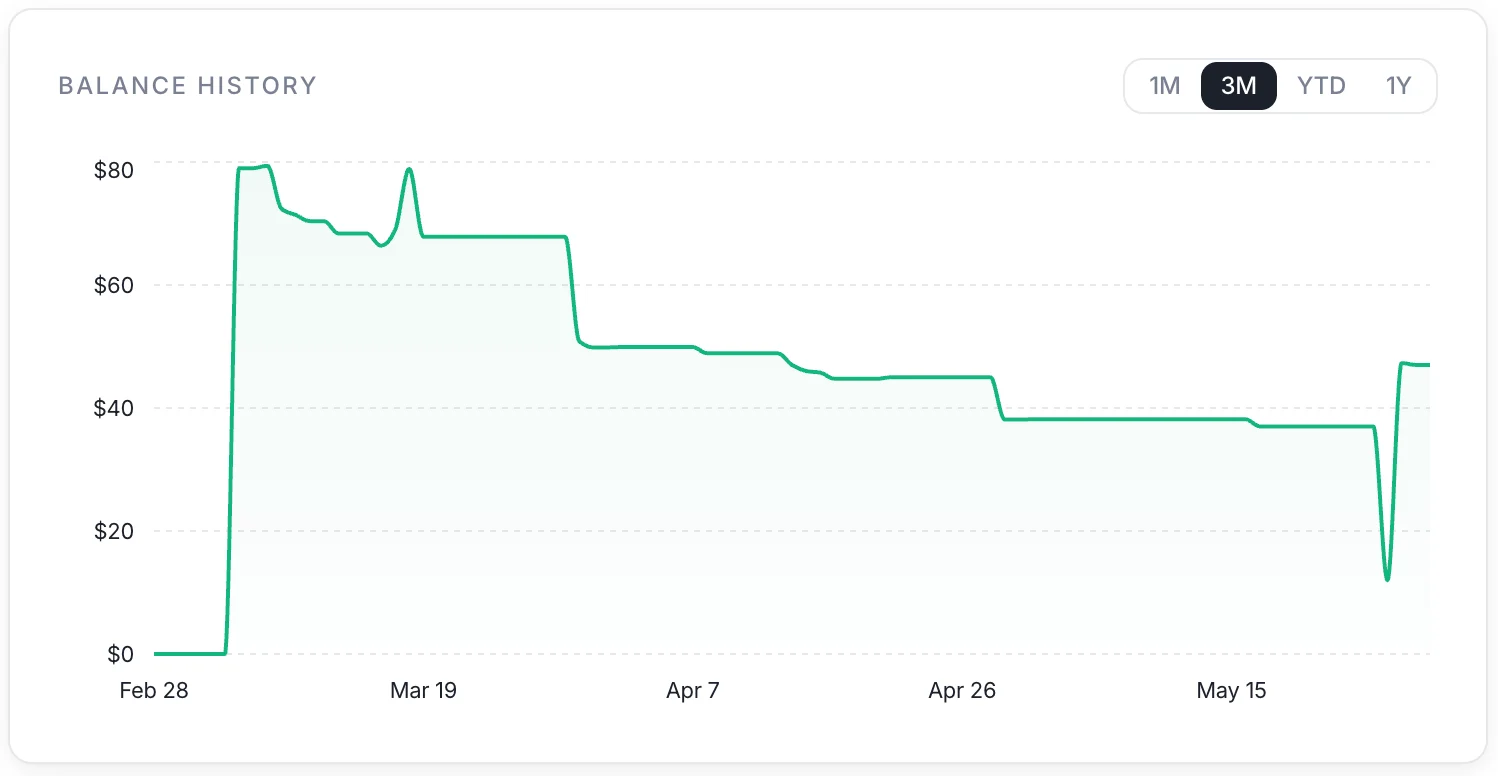
Hovering over the line will show you the balance on that day.