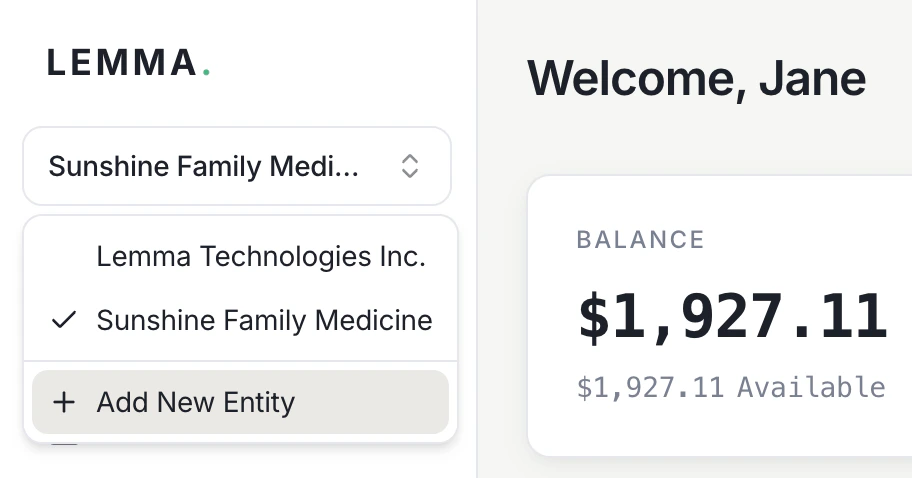
You can manage multiple providers under the same email login. To add a new provider, select Add provider in the sidebar — no separate email required. Use the provider switcher to move between providers you’ve created without signing out.
The provider switcher in the sidebar showing two linked providers and a button to add a new provider.
Linking providers to a single login gives you:
  • Instant transfers — move money between your linked providers for free, with no delay
  • One login for everything — switch between providers without managing separate credentials
  • MSO-PC friendly — management services organizations and professional corporations can keep finances separate while maintaining easy access to both
Transfers between your linked providers are internal Lemma transfers — free, instant, and available 24/7.

Inviting others to a provider

If you want other people to view or manage a provider, invite them as team members instead of sharing your login. See Team management for details on inviting users and assigning roles.