

Virtual and physical cards
- Virtual cards — available instantly after creation. Use them for online purchases or anywhere a physical card isn’t required.
- Physical cards — a branded card mailed to your address. When you issue a physical card, the card number will be visible immediately so you can start spending right away.
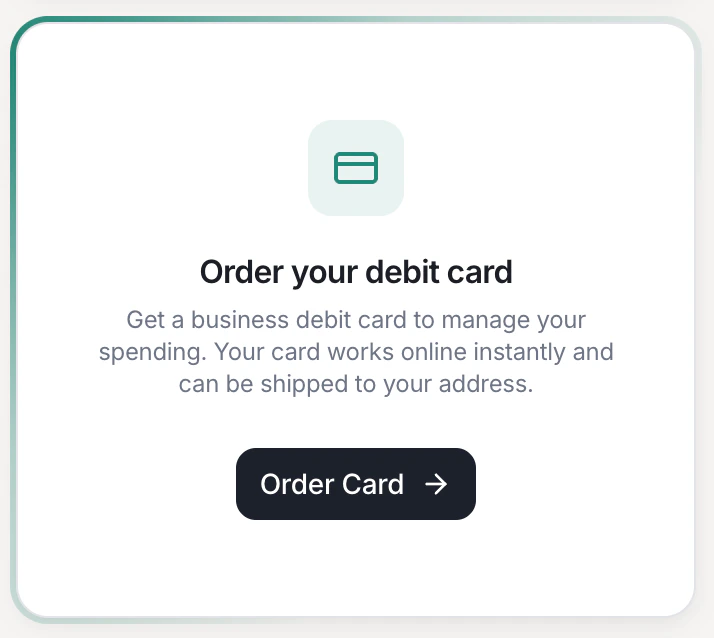
Press Order Card to issue your first debit card.
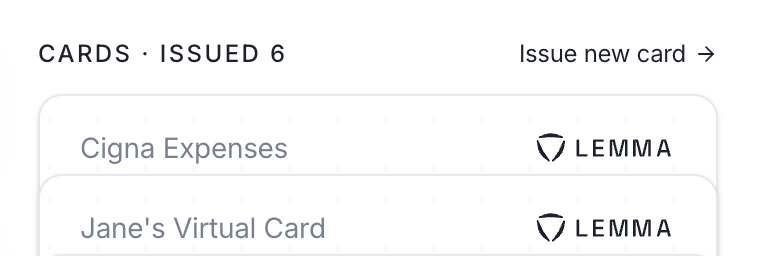
Already have a card? Click 'Issue new card' at the top-right of your cards list.
Spending limits
We automatically block high-risk transactions. When issuing a card, you can also set two optional limits, on top of spending already being capped at the available cash in the linked account:- Max purchase amount — declines any single purchase above a set dollar amount.
- Max total spend — caps total spend across a day, week, or month. Limits reset at UTC midnight. If you live in the east-coast, that means your daily card limit resets at 7PM EST.
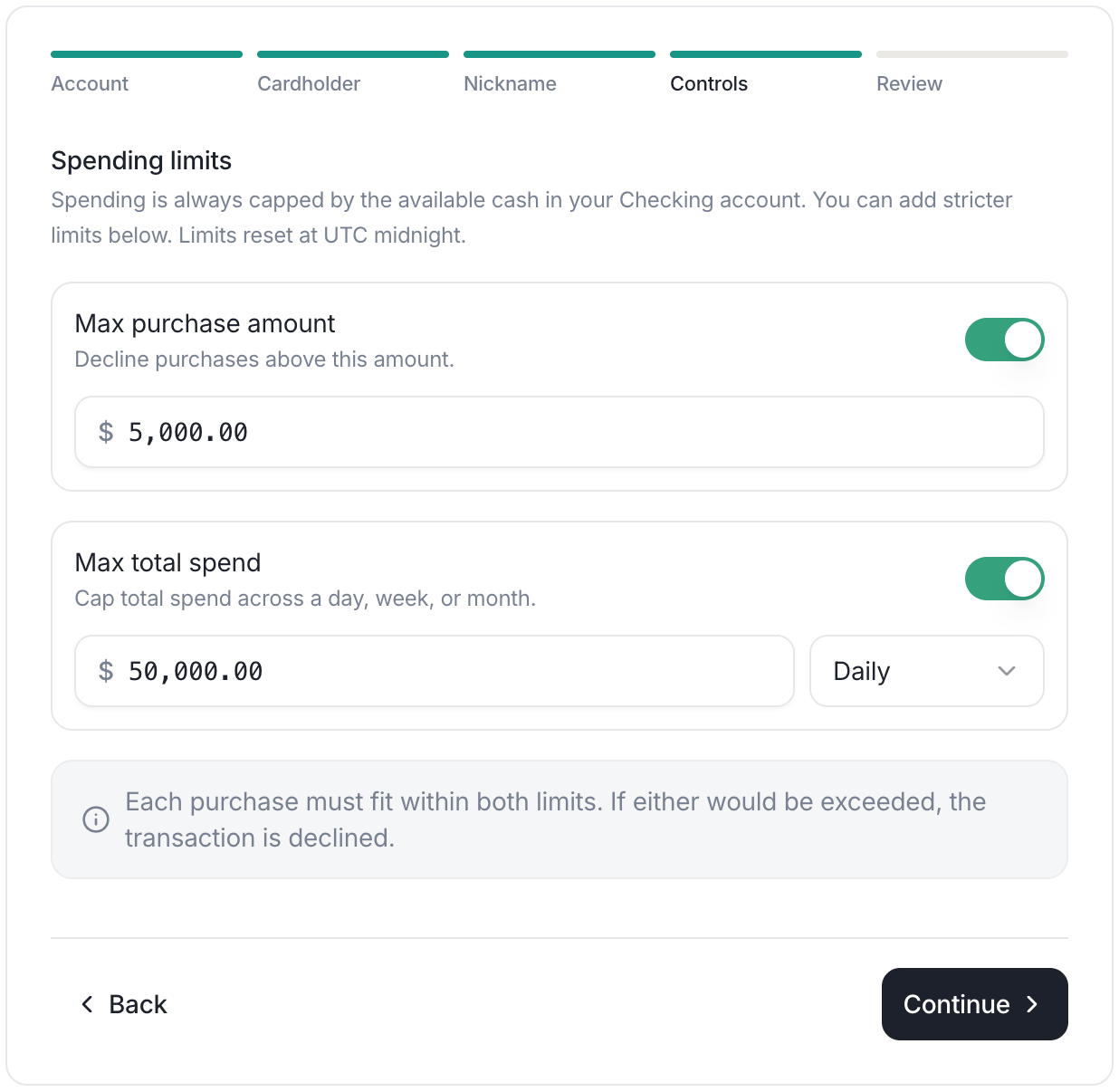
Set a max purchase amount and a max total spend limit when issuing a card.